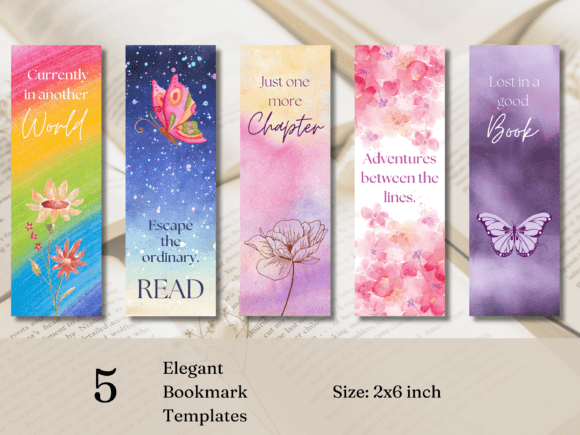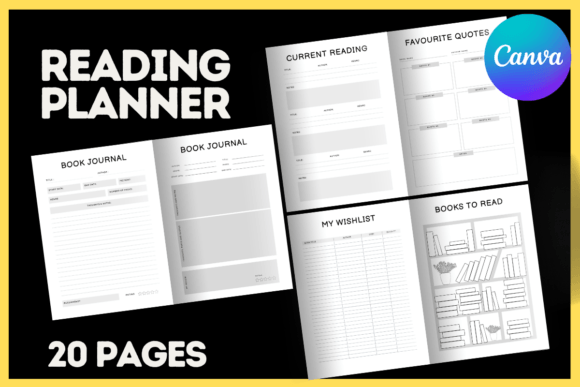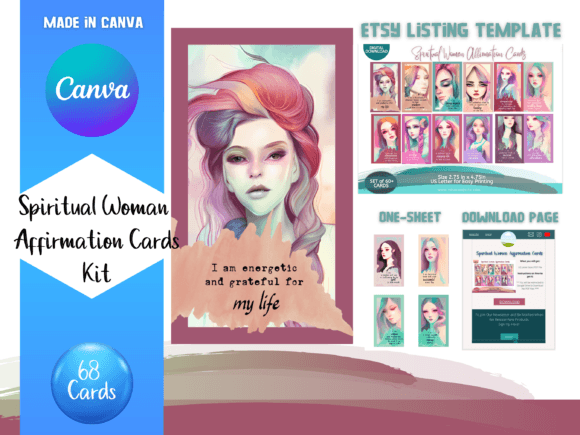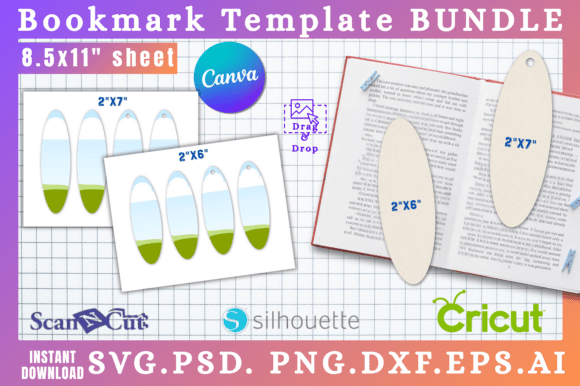
Elevate Your Reading: 5 Customizable Canva Bookmark Templates
More Than a Placeholder: A Tool for Brand and Personal Expression
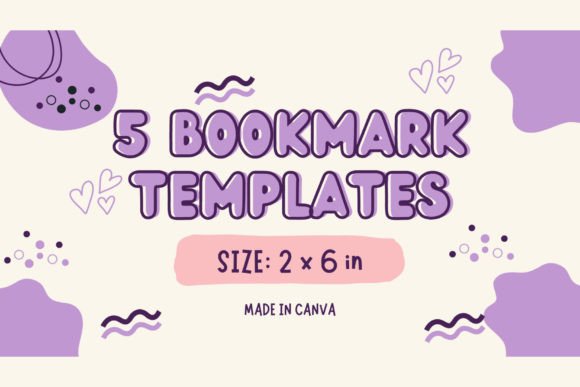
For designers, publishers, and content creators, every touchpoint with an audience is an opportunity for branding. We often focus on websites, social media feeds, and marketing collateral, but the smaller, more personal items can create a surprisingly strong connection. A bookmark is one such item. It’s not just a functional tool for holding a page; it's a piece of design that travels with the reader, a small, intimate brand ambassador. Recognizing this, we developed a set of 5 Canva Bookmark Printable Templates designed to be far more than simple placeholders. They are versatile design assets built for customization.
This collection isn't about offering five static images. It's a gateway to creating a cohesive and personalized reading experience. The templates are built within Canva, a platform familiar to millions of designers, entrepreneurs, and hobbyists. This accessibility is key. You don't need to be a typography expert or a graphic design wizard to create something beautiful and effective. The core appeal lies in their editable nature. Each of the five designs serves as a robust starting point, a foundation upon which you can build a bookmark that truly reflects a personal aesthetic or a specific brand identity.
The visual personality of the templates is intentionally varied. You’ll find designs that lean into modern typography with clean, sans serif font choices, perfect for a minimalist or tech-focused brand. Others incorporate elegant serif font pairings that evoke a classic, literary feel, ideal for publishers or authors. There’s also room for more expressive, handwritten font styles that add a touch of warmth and personality, great for crafters, bloggers, or a cozy bookstore's merchandise. This diversity ensures that the templates aren't a one-size-fits-all solution but a toolkit for different creative needs. The overall appeal is one of professional polish combined with complete creative control.
From Personal Project to Professional Asset: Practical Applications
The true value of any design asset is its versatility. These 5 Canva Bookmark Printable Templates are engineered for a wide range of applications, bridging the gap between personal use and commercial projects. For a small business owner or a self-published author, this is a game-changer. Instead of commissioning custom artwork for a small promotional item, you can use these templates to create professional-looking bookmarks for a book launch, a conference giveaway, or a direct mail campaign. The ability to incorporate your own logo, brand colors, and a call-to-action turns a simple bookmark into a powerful piece of marketing collateral.
For publishers and content creators, consistency is paramount. The templates allow you to establish a visual system. Imagine a series of bookmarks, each featuring a different quote or character from a book series, but all sharing the same core design language—the same font pairing, the same layout structure, the same color palette. This builds a recognizable brand identity around the content itself. It’s a subtle but effective way to enhance the reader's experience and foster a deeper connection with the material. This is where the concept of visual hierarchy comes into play. A well-designed bookmark uses typography and spacing to guide the eye, ensuring the most important information—be it a quote, a title, or a website—is immediately legible and impactful.
Even for personal projects, the applications are compelling. A crafter can design a set of bookmarks as thoughtful, handmade gifts for a book club. A teacher could create custom bookmarks for students as a motivational tool. The process is intuitive: you select a template, and within the Canva editor, you can change the display font to one that better suits your style, swap out the background color, upload a personal photo or illustration, and add a meaningful quote. The result is a unique, high-quality printable that feels entirely your own. It’s a practical application of design principles that yields a tangible, useful object.
A Guide to Customization and Font Pairing
Getting the most out of these 5 Canva Bookmark Printable Templates involves a few key design considerations. While the templates provide a strong starting point, thoughtful customization will elevate your final product. The first step is to consider your project's goal. Is the bookmark for a corporate event? A personal gift? A piece of merchandise for an online store? The answer will guide your choices for color, imagery, and typography.
When it comes to the text, pay close attention to readability. A bookmark is a small format, so a highly decorative script font might look beautiful on screen but become illegible when printed at a small size. Use such creative fonts sparingly, perhaps for a single initial or a very short word. For longer text, like a website URL or a book title, stick to a clear serif or sans serif typeface. A great technique is to pair a more stylized header font with a simple, clean body font. This creates a clear visual hierarchy and ensures your message is communicated effectively.
Here is a practical workflow for customization:
- Choose Your Base: Select the one of the five templates that most closely aligns with your desired aesthetic.
- Establish Your Color Palette: Use Canva's color tools to input your specific brand hex codes or choose a new palette that fits the mood of your project.
- Refine the Typography: Experiment with different font pairings. Try replacing the placeholder text with your own. Adjust the size, spacing, and alignment to perfect the layout.
- Add Your Assets: Upload your own graphics, logos, or images. Ensure they are high-resolution for a crisp print quality.
- Finalize and Export: Review your design for any typos or alignment issues. Export the file as a high-quality PDF for the best printing results.
Remember that these are more than just design assets; they are a starting point for a creative process. Whether you are designing for editorial design, creating packaging design elements, or developing social media graphics